Take print shop orders online, day or night
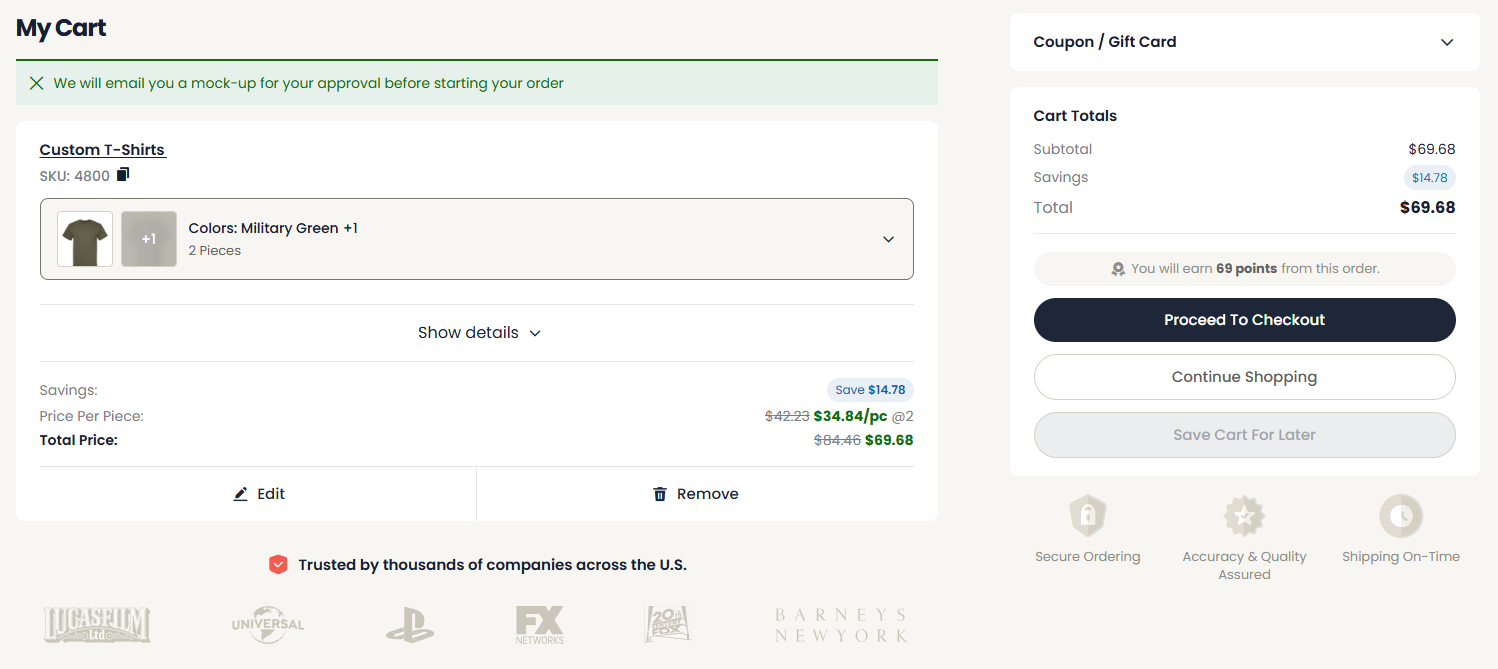
Let customers configure a job, upload artwork, approve the proof, and pay on your website, so orders arrive complete and paid instead of buried in phone calls and email.
Online ordering for print shops lets customers configure a job, upload artwork, approve a proof, and pay on your website instead of by phone or email. Orders arrive complete and paid, ready for production, so your team stops re-keying intake and chasing missing details.
How an online order flows
Five steps the customer drives themselves, so a finished, paid order lands on your floor.
Configure
Pick product, size, color, and quantity, and see the price update live.
Upload artwork
Attach the design, set placement, and add any notes.
Approve the proof
Confirm the mockup online before anything goes to press.
Pay
Check out by card or place a deposit up front.
Track
Follow live order status all the way to delivery.
An order form built for decoration
Not a generic contact form. Customers choose the product, sizes, colors, and quantity, attach their artwork, and see the price before they check out, so every order arrives with the specs production needs.
- checkSize and color matrices on every product
- checkDrag-and-drop artwork upload
- checkLive quantity-based pricing
- checkCard payment or deposit at checkout
Stop taking orders by hand
- closeRetyping orders from phone calls, texts, and email threads.
- closeChasing customers for sizes, artwork, and approvals.
- closeQuoting the same simple jobs over and over by hand.
- closeAnswering "where is my order?" all day long.
Built for real print orders
Everything it takes to move a job from the customer to the press without a single retyped detail.
Decoration-aware order forms
Forms that capture size, color, method, placement, and quantity on every job.
Custom quote requests
Jobs that need a manual quote come in clean and complete, not as a vague email.
Artwork upload and proofing
Files attach to the order and customers approve the proof online.
Automatic pricing and deposits
Quantity pricing built in, with card payment or a deposit collected up front.
Reorders and accounts
Returning customers reorder a past job in a couple of clicks.
Live order status
Buyers see where their order is, which cuts the status calls to your team.
Orders that run straight into production
Online ordering only saves time if the orders do not become manual data entry on the other end. Connected to the pre-built FileMaker system, every online order becomes a quote, allocates inventory, and enters the production queue automatically.
Online ordering FAQ
What is online ordering for print shops?
expand_more
Online ordering lets customers place a print or decoration job on your website instead of by phone or email. They configure the product, upload artwork, approve a proof, and pay, so the order arrives complete and ready for production.
How is this different from just having a website?
expand_more
A basic website shows your information. Online ordering is the working part: decoration-aware order forms, artwork upload, online proof approval, automatic pricing, and payment. It replaces manual intake, not just your online presence.
Can customers upload artwork and approve proofs online?
expand_more
Yes. Customers attach their files to the order with placement and notes, and they approve the mockup online before it goes to press, so nothing prints without sign-off and the right file is always attached.
Can I take custom quote requests, not just fixed-price products?
expand_more
Yes. Alongside fixed-price products, customers can submit a structured quote request that captures all the specs you need, so even custom jobs arrive complete instead of as a back-and-forth email thread.
How do customers pay?
expand_more
Customers pay by card at checkout, or you can collect a deposit up front for larger jobs. Either way, money is captured before production, which protects your cash flow and cuts down on chasing invoices.
Does online ordering connect to production?
expand_more
Yes. Orders flow from the website into the FileMaker back office, where they become quotes, allocate inventory, and enter the production queue. Nobody re-keys the order between the site and the shop floor.
Will customers be able to track their order?
expand_more
Yes. Buyers see live order status from approval through production to shipping, which replaces most of the day-to-day "where is my order?" calls and emails your team fields now.
How much does online ordering cost?
expand_more
Pricing depends on whether you take the website on its own or connected to the full operations system, and whether we build it for you or you set it up yourself. See the pricing page for current setup and monthly options with no long-term contract.
Let customers order without picking up the phone
Apply to the network and we will show you online ordering on a real print shop site, from configured product to paid, production-ready order.
Apply to the Networkarrow_forward